
Dify customer FAQ knowledge base with sourced reply drafts
Build a flow that checks FAQs before drafting a reply; it does not send messages automatically.
Use caseClassify support messages, route reviews, and hand off tickets
Connect a Dify knowledge base to a support Chatflow. Draft answers from uploaded FAQs and hand questions without evidence to a person. Based on public docs; no live help desk was connected.
Source · Dify · Open-source walkthrough
Problem
Section titled “Problem”A support answer can sound complete while citing the wrong policy. Start with a small FAQ set, check retrieval, and make sure the flow stops when it has no evidence.
Before you begin
Section titled “Before you begin”- Prepare FAQs without customer data; include product version, region, and effective date where they matter.
- You need a Dify instance and model connection. Review the current license and model costs before self-hosting or commercial use.
Sources
Section titled “Sources”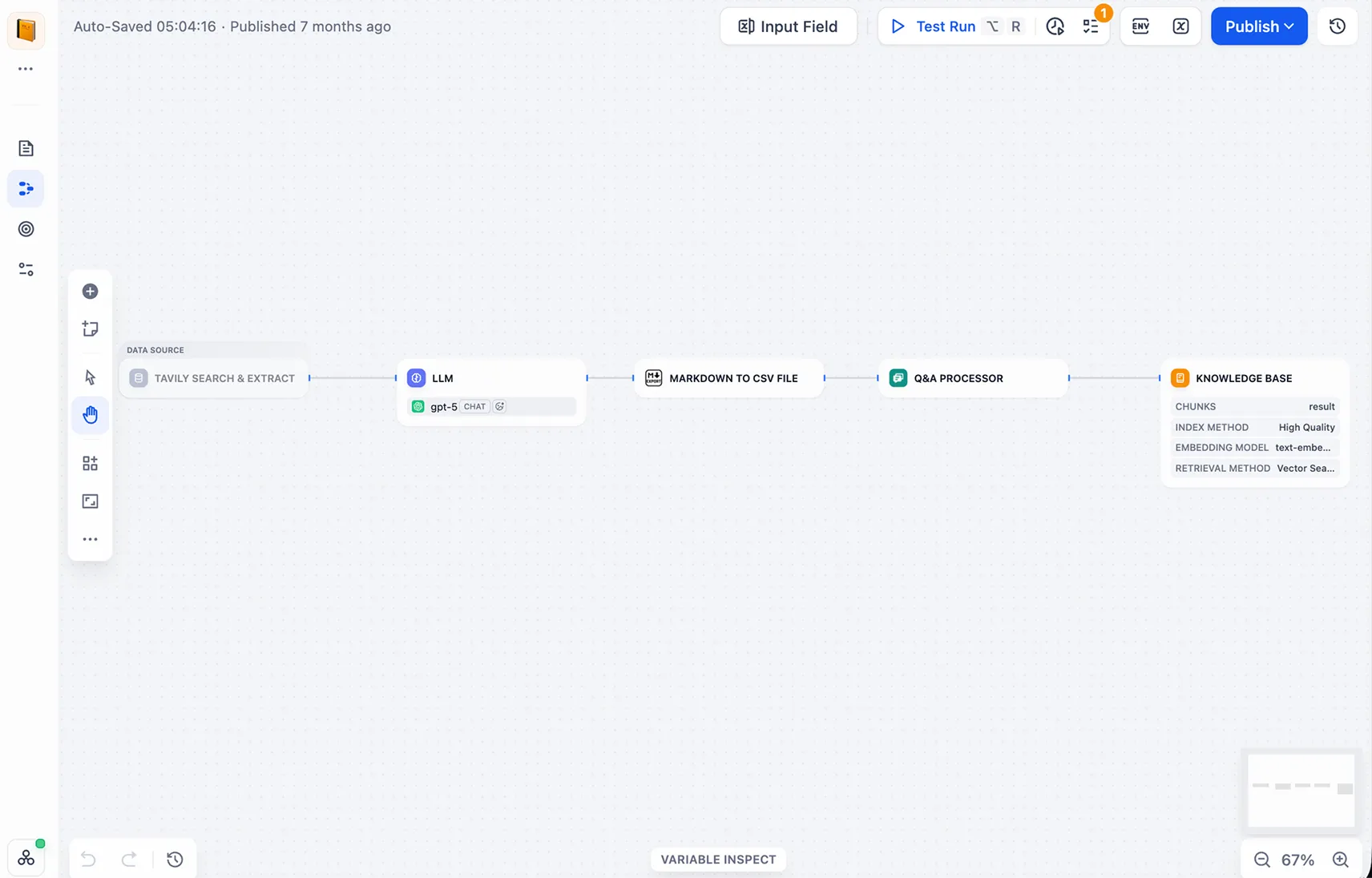
Source: Dify’s official Knowledge Pipeline interface, showing a knowledge-processing flow. This is not a hands-on build from the article.
1. Pick approved FAQs
Section titled “1. Pick approved FAQs”Start with 10–20 confirmed answers. Remove expired policies, internal notes, and customer details.
2. Create a knowledge base and test retrieval
Section titled “2. Create a knowledge base and test retrieval”Upload the FAQs and search with real support wording. Fix region or version mismatches before building the flow.
3. Connect a small Chatflow
Section titled “3. Connect a small Chatflow”Wire User Input → Knowledge Retrieval → LLM → Answer. Ask the model to use retrieved content only and send unanswered questions to support.
4. Preview three question types
Section titled “4. Preview three question types”Test one answered FAQ, one question with no answer, and one about an expired rule. Check the cited passage before a support agent sends anything.
Check the result
Section titled “Check the result”Build a flow that checks FAQs before drafting a reply; it does not send messages automatically.
- Answers point to a matching FAQ.
- Questions without evidence stop for human review.
- Preview covers answered, unanswered, and outdated rules.